3-D animation
After ▶ Simulate, the workbench replays any model with shapes in the Animation view, like Dymola's animation window. It is a WebGL scene (three.js) that reads the shape variables straight from the result, so no model-specific code is involved: what you simulate is what you see.
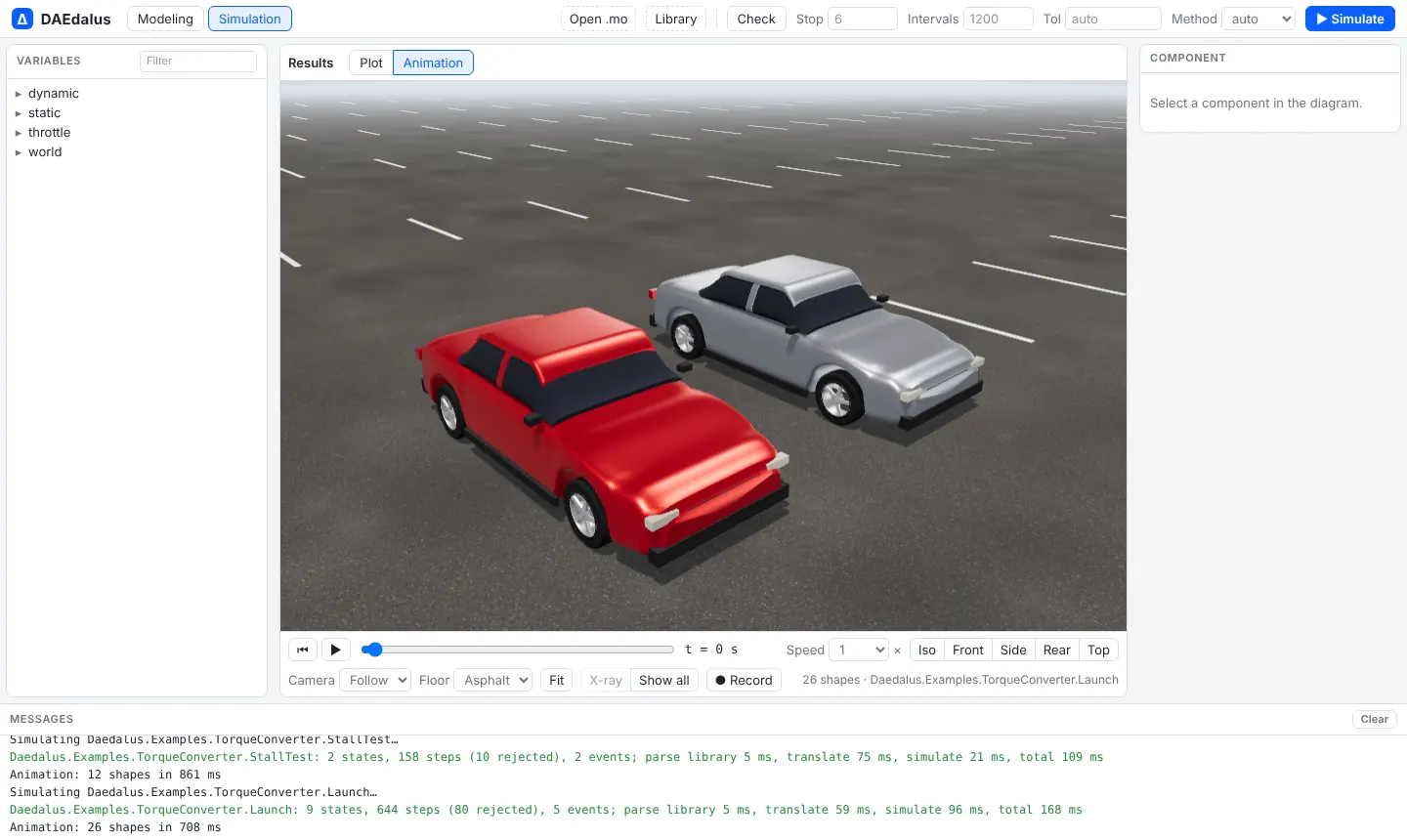
MultiBodyVehicle.Examples.StepSteer with the chase camera: a 2° front-wheel step at 72 km/h.
What it draws
- MultiBody shapes. Every
Modelica.Mechanics.MultiBodyvisual is an instance ofVisualizers.Advanced.Shape, whose position, orientation, size and colour are ordinary result variables. The view finds them all: body cylinders and spheres, joint cylinders, springs,FixedShape, the world axes. Box, cylinder, sphere, cone, pipe and spring shapes are built in. - CAD meshes. A
shapeTypethat names an STL or OBJ file as amodelica://URI is drawn from that file. Libraries carry their meshes inResources/Shapes; your own open with Open .mo next to the model. - 1-D models, through
Daedalus.Visualizers. This package has the same result variables as MultiBody's shape without needing the MSL, so any model can be animated by binding a shape's position, angle or size to its own variables. It has a genericShape, aCarthat drives along the road with turning wheels, aQuarterCar, aLandingGear, anAileron, aRotatingDiscand aGauge. The visualizers only draw; they change no result.
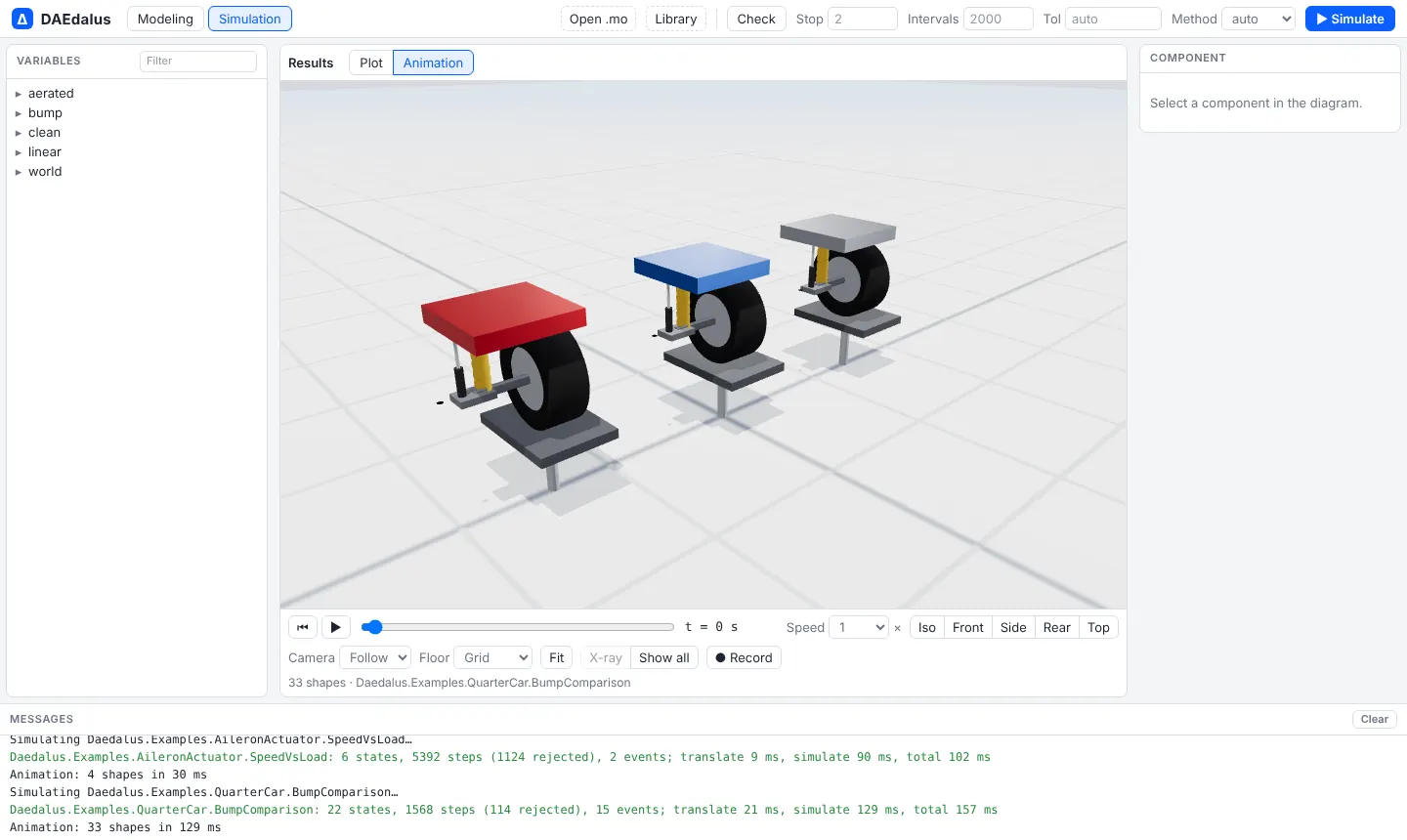
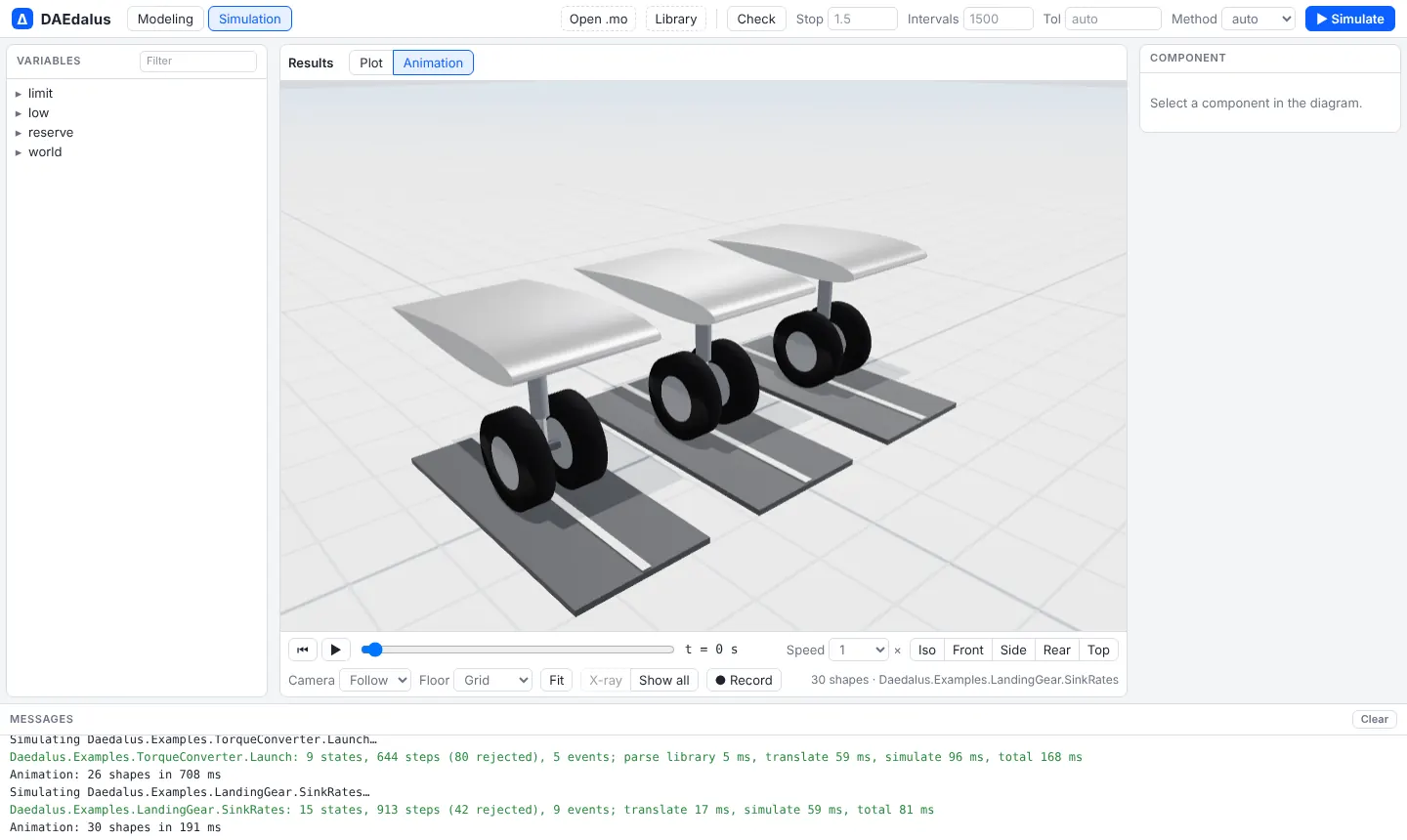
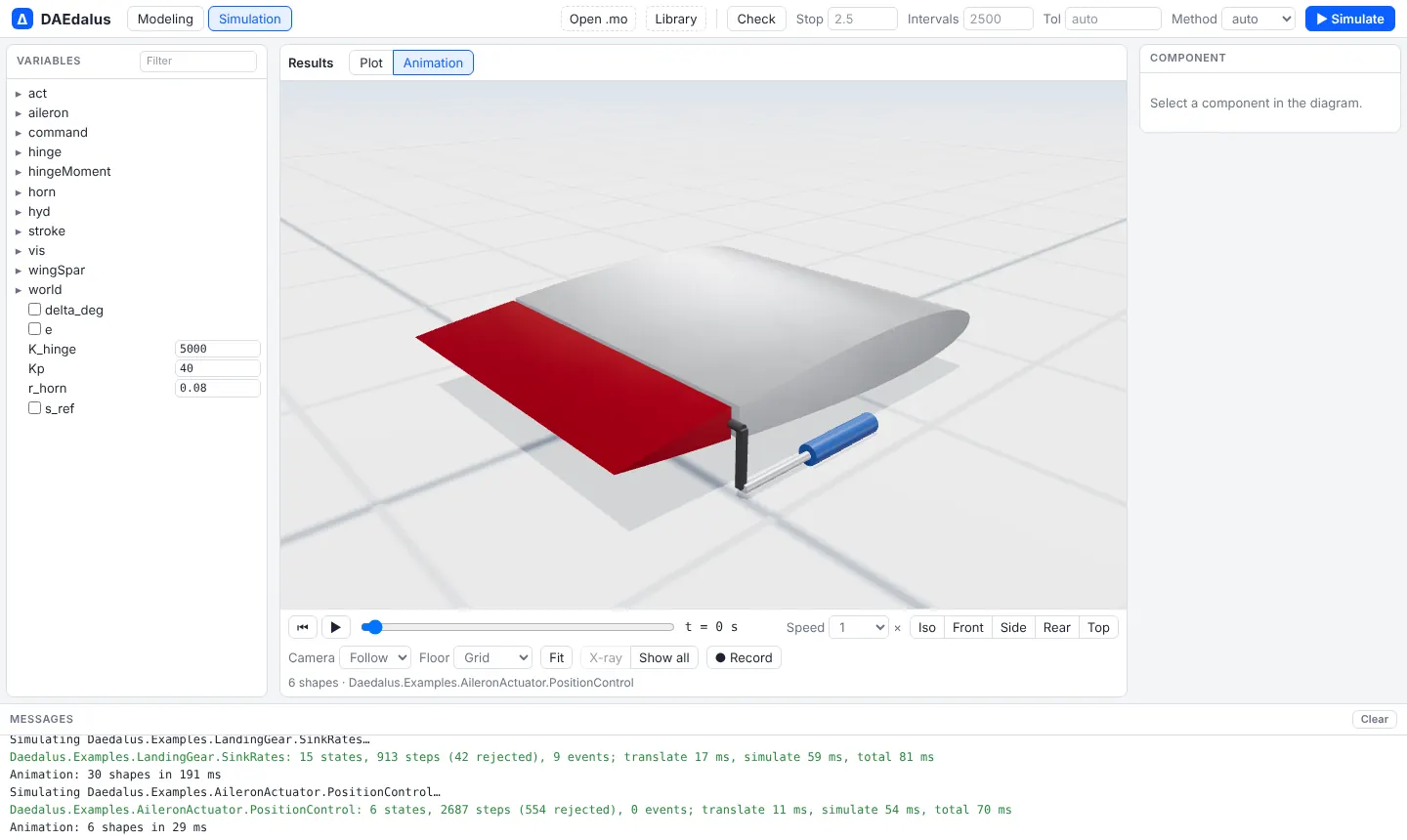
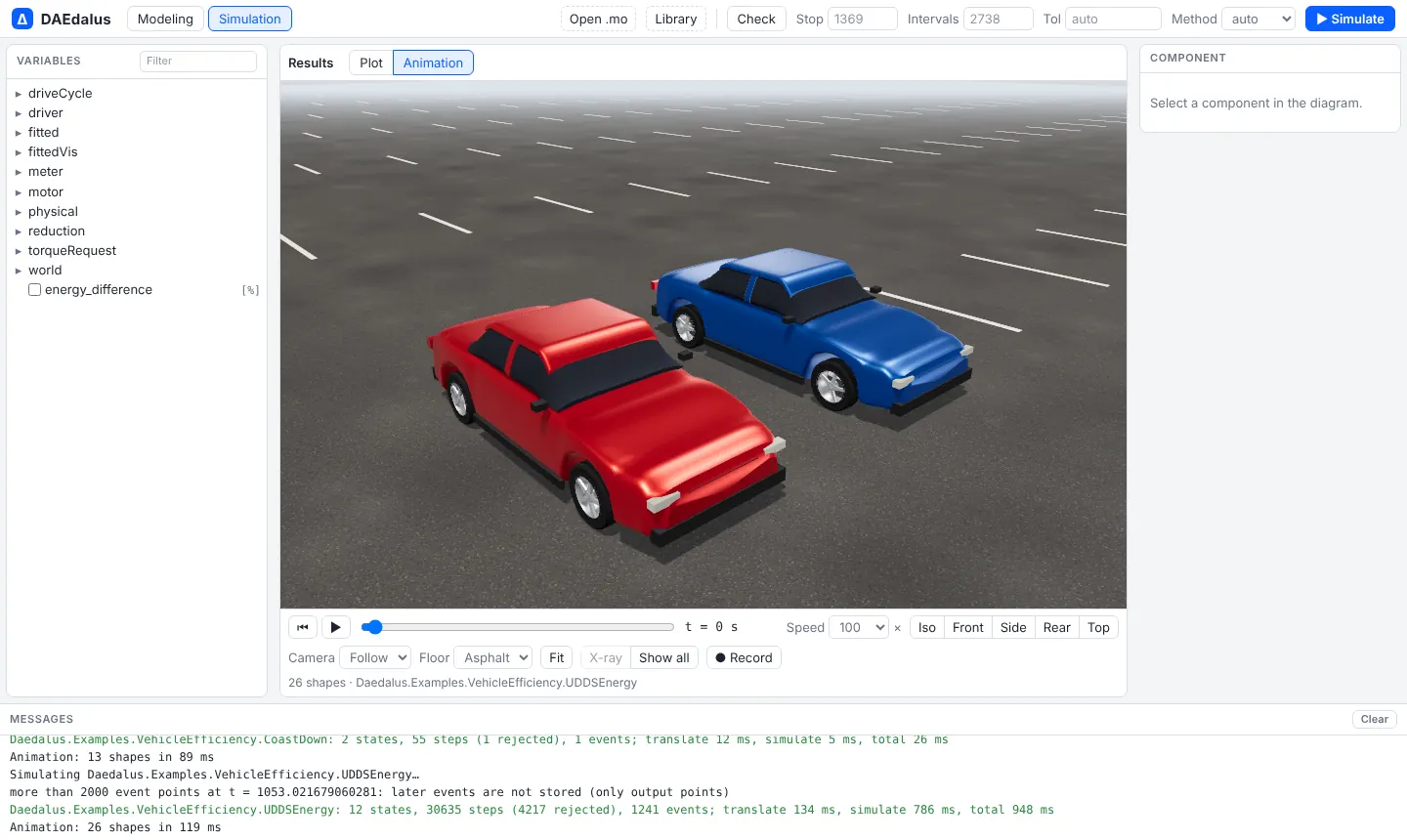
Every bundled example is animated
Controls
| Control | What it does |
|---|---|
| ▶ / ⏸, Home, ← → | Play and pause (space), rewind, and step one output interval |
| Time slider | Scrub to any time |
| Speed | Replay from 0.1× to 100×; long drive cycles start at 10× to 100× |
| Iso, Front, Side, Rear, Top | Camera presets |
| Camera: Off, Follow, Chase | Follow moves with the moving parts; Chase also turns with their direction of travel |
| Floor | Grid, asphalt road, or none |
| Fit | Frames the whole model |
| Click a part, X-ray, Show all | Select a component, make it transparent to see inside, and make everything opaque again |
| ● Record | Plays from the start and saves a WebM video |
Drag to orbit, right-drag to pan, and scroll to zoom. The scene has studio lighting and
shadows, and finds the up direction from the model's world (opposite to gravity).
MultiBody from the MSL
Any MSL MultiBody example animates too:
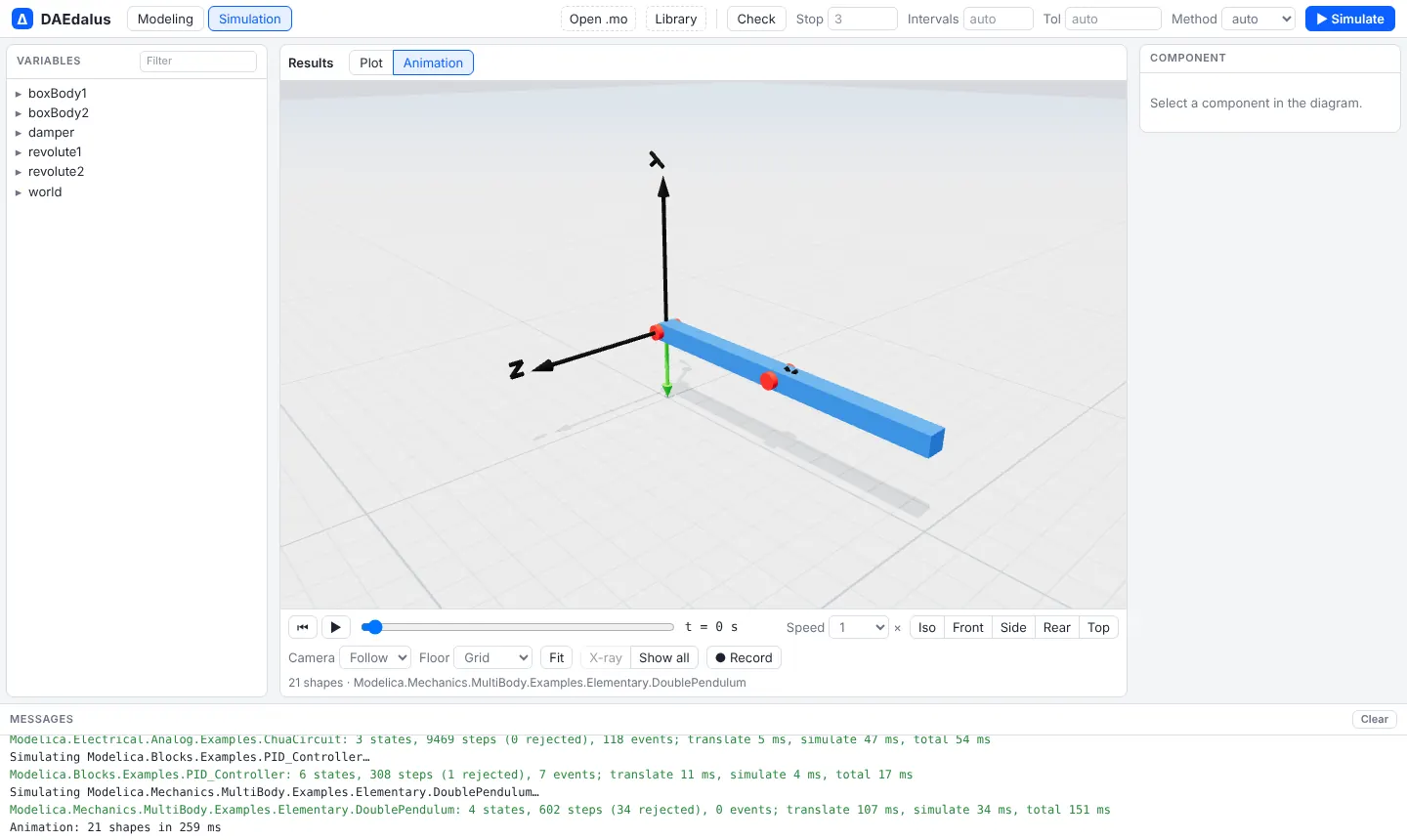
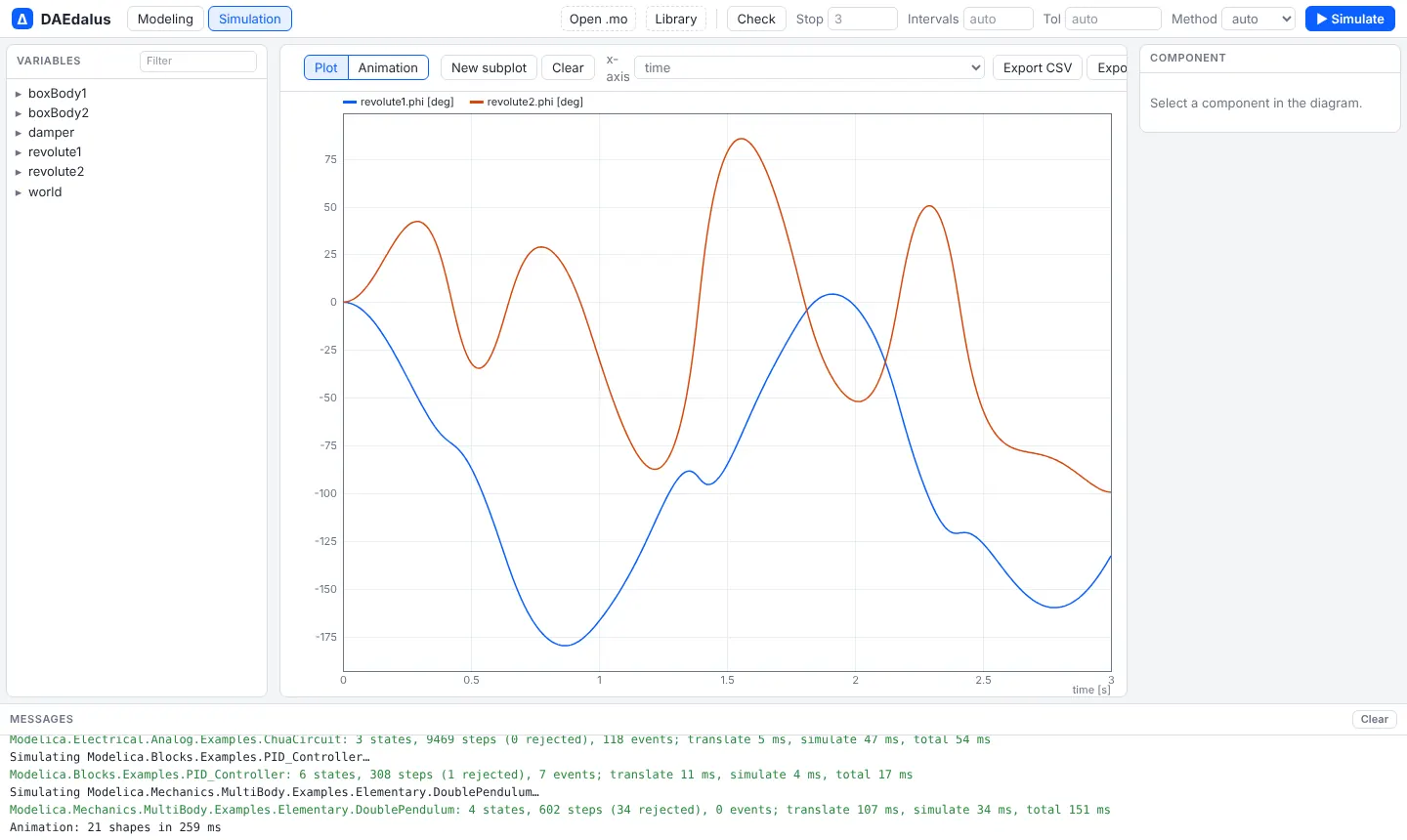
Open Modelica.Mechanics.MultiBody.Examples.Elementary.DoublePendulum
Animating your own model
For a model without MultiBody, add a Daedalus.Visualizers.World named world and bind
shapes to your variables:
model Bouncing
  Daedalus.Visualizers.World world;
  Real h(start = 1, fixed = true);
  Real v;
  Daedalus.Visualizers.Shape ball(shapeType = "sphere", r = {0, 0, h},
    length = 0.2, width = 0.2, height = 0.2, color = {200, 60, 40});
equation
  der(h) = v;
  der(v) = -9.81;
  when h < 0 then
    reinit(v, -0.8*pre(v));
  end when;
  annotation (experiment(StopTime = 4));
end Bouncing;
The shape's length runs along its lengthDirection from r + r_shape, so the sphere
above sits on the point {0, 0, h} and extends 0.2 m along x.