AI assistant and MCP server
DAEdalus exposes its compiler to AI assistants as tools: browse the libraries, read and
write classes, check, simulate, linearize, and read the structure report and the
performance profile. In the workbench that is the ✦ Assistant; on the command line
it is daedalus mcp, a Model Context Protocol server for Claude Code and other clients.
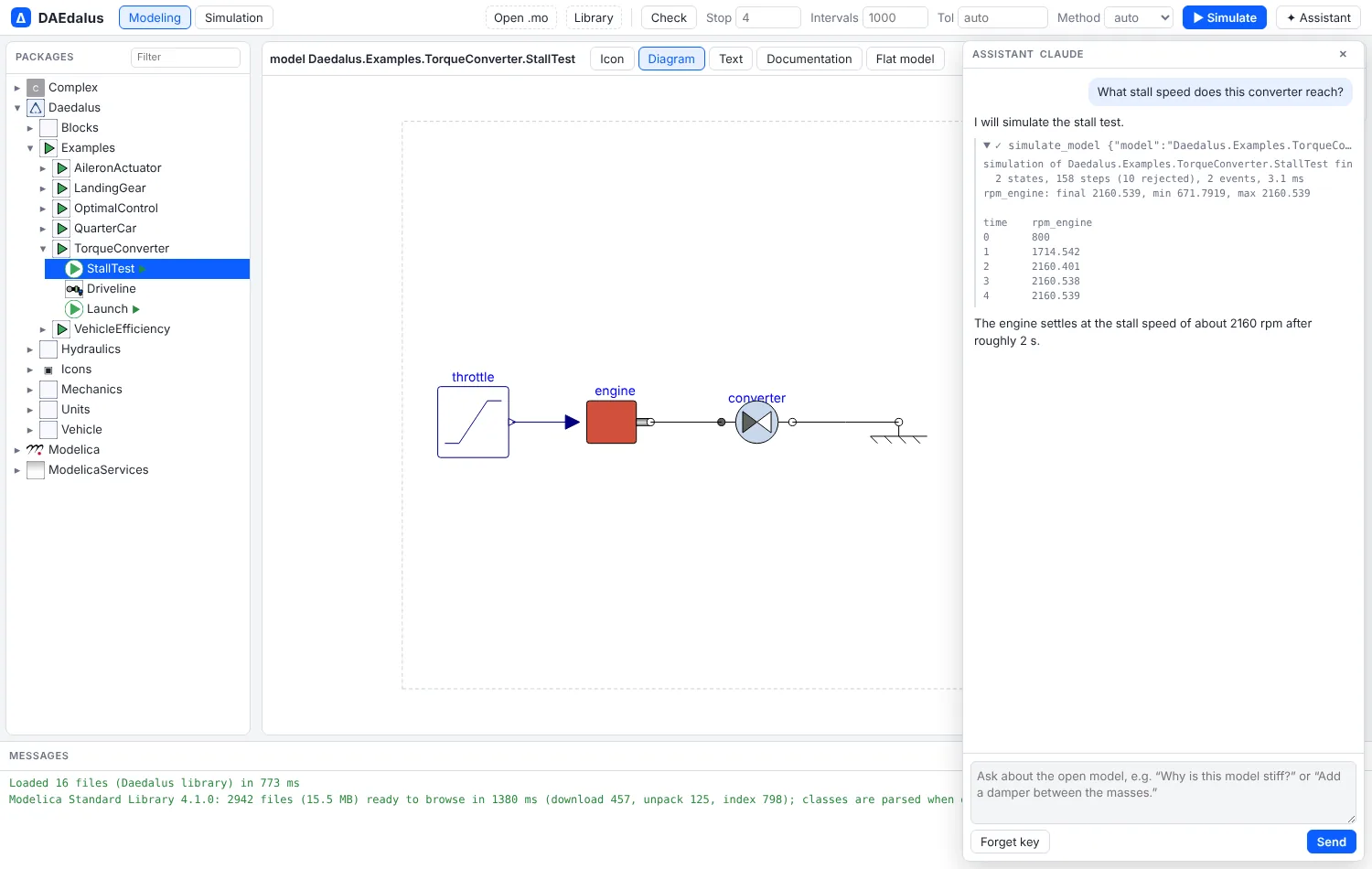
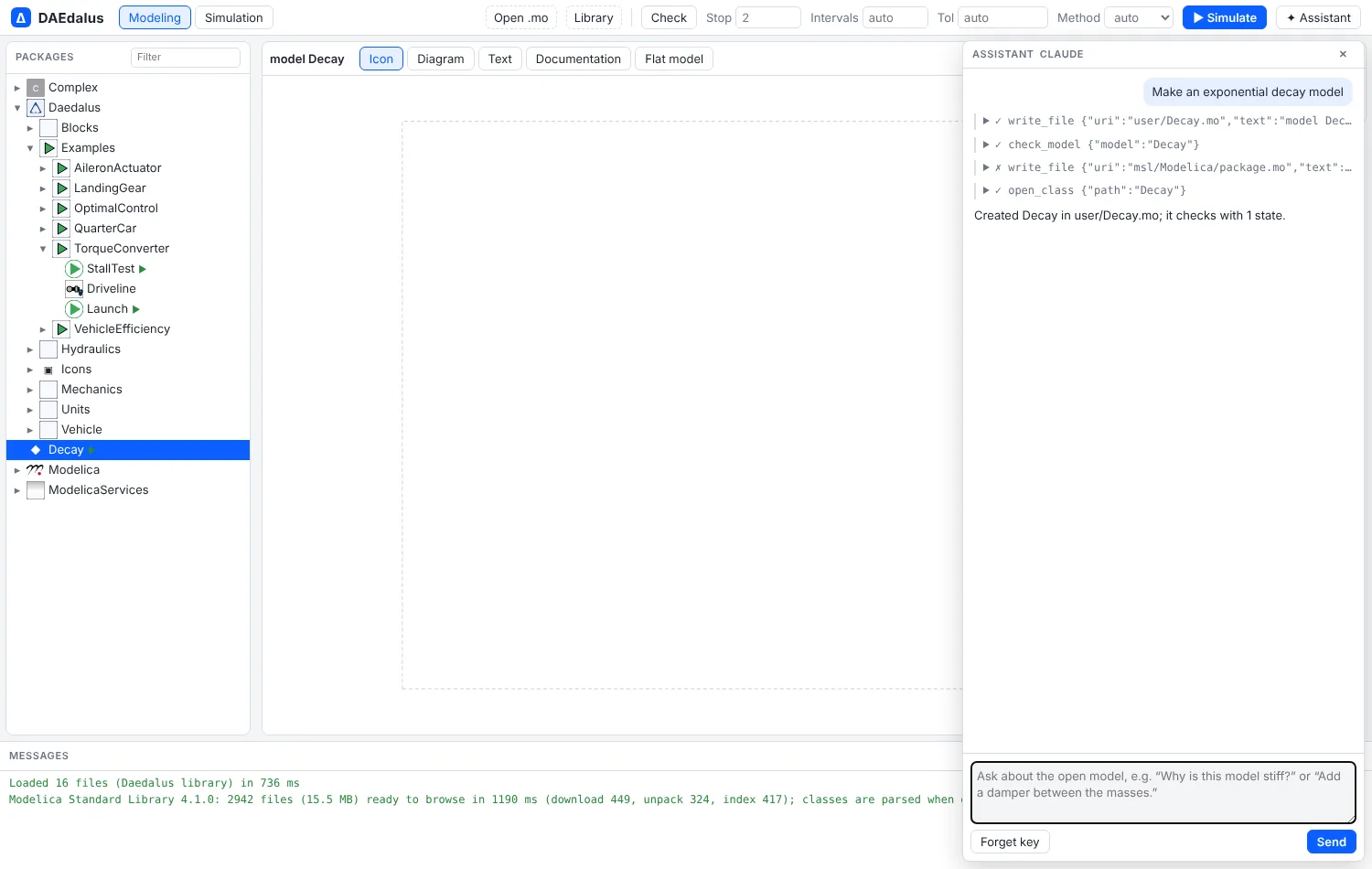
user/Decay.mo, checks it and opens it.In the workbench
✦ Assistant in the toolbar opens a chat with Claude about the open model. It can:
- browse the package tree and read any class's source;
- write models to
user/*.mofiles (library files stay read-only) and check them; - simulate, with the result filling the variable browser as if you had pressed Simulate;
- read the structure report and the performance profile to explain why a model is stiff, slow or chattering;
- open classes in the editor.
It uses your own Claude API key, which stays in that browser; requests go straight from
the page to the Claude API, and Forget key removes it. Other workbench features add
their own tools with registerAssistantTool in web/src/assistant.ts.
MCP server
daedalus mcp serves the loaded libraries over stdio (newline-delimited JSON-RPC). Its
tools are list_classes, get_class, set_source, check_model, simulate_model,
linearize_model, model_structure, profile_simulation, equations and
flatten_model. With --workspace DIR, set_source also writes the file to that
directory, and the .mo files already there are loaded at start.
# add DAEdalus to Claude Code
claude mcp add daedalus -- /path/to/daedalus mcp /path/to/library/Daedalus --workspace ./models
Then ask in Claude Code, for example, "simulate the landing gear at the three sink rates and tell me which one exceeds 3 g", and it calls the tools above.